
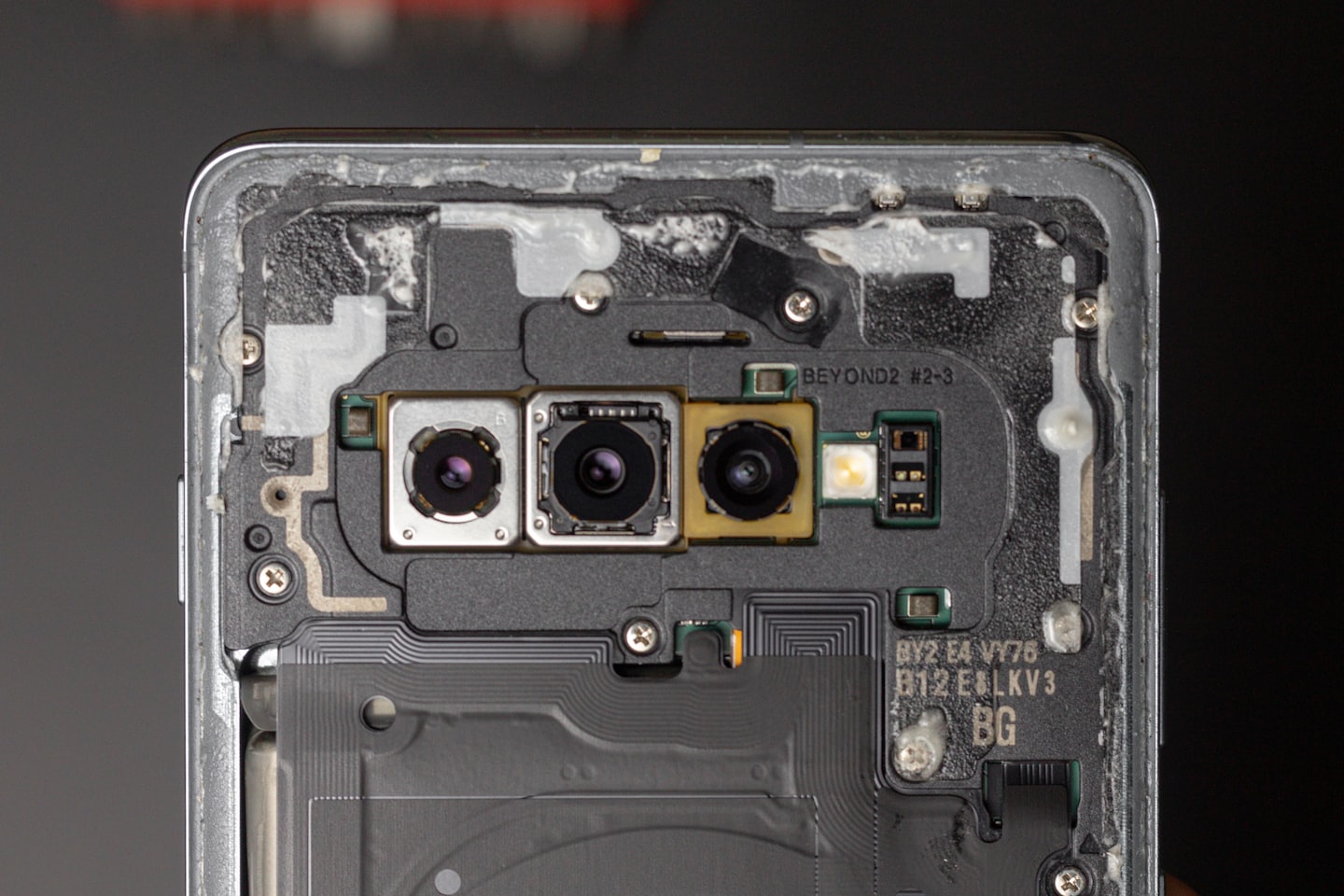
Reliable Repairs and Expert Tech Support
Find quick answers to common IT repair questions tailored for our Harper community.
Do you service both hardware and software issues?
Yes, we handle everything from computer repairs to software troubleshooting for families and small businesses.
How long does a typical repair take?
Most repairs are completed within 48 hours. If parts are required, repairs will be delayed until parts arrive.
Are your technicians certified?
Absolutely. Our team holds certifications from CompTIA, Dell, and Microsoft.
Do you offer on-site service for local businesses?
Yes, we provide on-site repairs and support for small businesses in Harper and surrounding areas.
How much do you charge
Generally a flat fee of $100, this can change depending on how complex the issue is and any hardware costs.
Service Overview
Harper FixIT specializes in certified IT repair tailored for families, and small businesses, ensuring reliable solutions for hardware and software challenges.
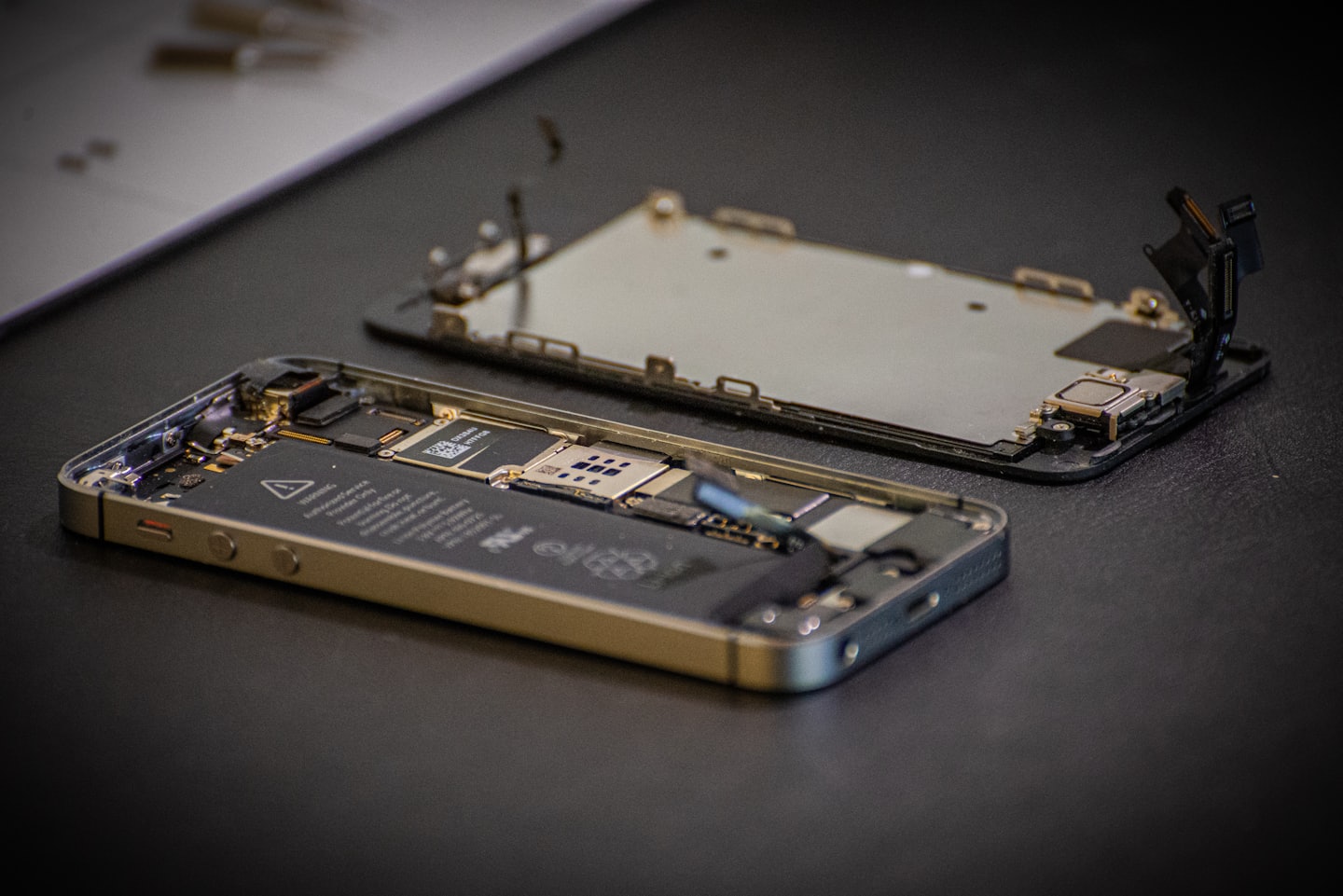

Certified Hardware Diagnostics
We accurately identify hardware issues with industry-certified tools, minimizing downtime and restoring your devices quickly.
Expert Software Troubleshooting
Our technicians resolve software conflicts and errors, optimizing your system’s performance for seamless operation.
Personalized Community Support
We offer friendly, local IT guidance tailored to the unique needs of Harper’s rural community and small businesses.
Our Repair Process
Discover how Harper FixIT guides you through reliable tech repairs, making it easy to restore your devices quickly and confidently.
1
Step One: Reach Out to Us
Contact Harper FixIT with your device details so we can assess the issue and prepare the best repair plan tailored to your needs.
2
Step Two: Diagnosis and Repair
Our certified technicians thoroughly diagnose your hardware or software problem and promptly carry out professional repairs.
3
Step Three: Testing and Follow-Up
We rigorously test your device to ensure all issues are resolved, then provide ongoing support to keep your technology running smoothly.